⚠️ Raster Image Detected

You're uploading a raster file ().

Raster images (JPG, PNG, GIF, etc.) are resolution-dependent and may not print clearly. For most jobs, we recommend uploading a PDF or vector file for the best print quality.

If you are uploading files for a fine art or giclée print, raster files are preferred and you should proceed with the upload.

Would you like to choose a different file, or proceed anyway?

Morrell Printing Solutions, LLC
  • About
    • About our Founders
    • About our Staff
    • Our History
  • Services
    • Banners
    • Bindery Services
    • Copy Services
    • Cut Vinyl
    • Digital Printing
    • Fine Art Prints
    • Flatbed UV Printing
    • Lamination
    • Large Format Printing
    • Laser Engraving & Cutting
    • Mailing Services
    • Offset Printing
    • Pre-press Design Services
    • Promotional Products
  • Request Quote
  • Submit Order
  • Resources
    • Credit Application
    • Make a Payment
    • Technical Help
  • Contact
  • Location
Select Page
Home > Technical Help > Resources > Adobe Distiller Settings

Adobe Distiller Settings

by Morrell Printing | Nov 7, 2025 | Resources | 0 comments

Adobe Distiller Settings

Most applications use direct PDF export these days, but occassionaly distilling a postscript file can give you the best results for your project. Load this file into your copy of Adobe Distiller to make sure everything is set just right.

Morrell Printing DIGITAL Distiller settings

Morrell Printing Categories

  • Resources

Bindery/Folding Styles & Options

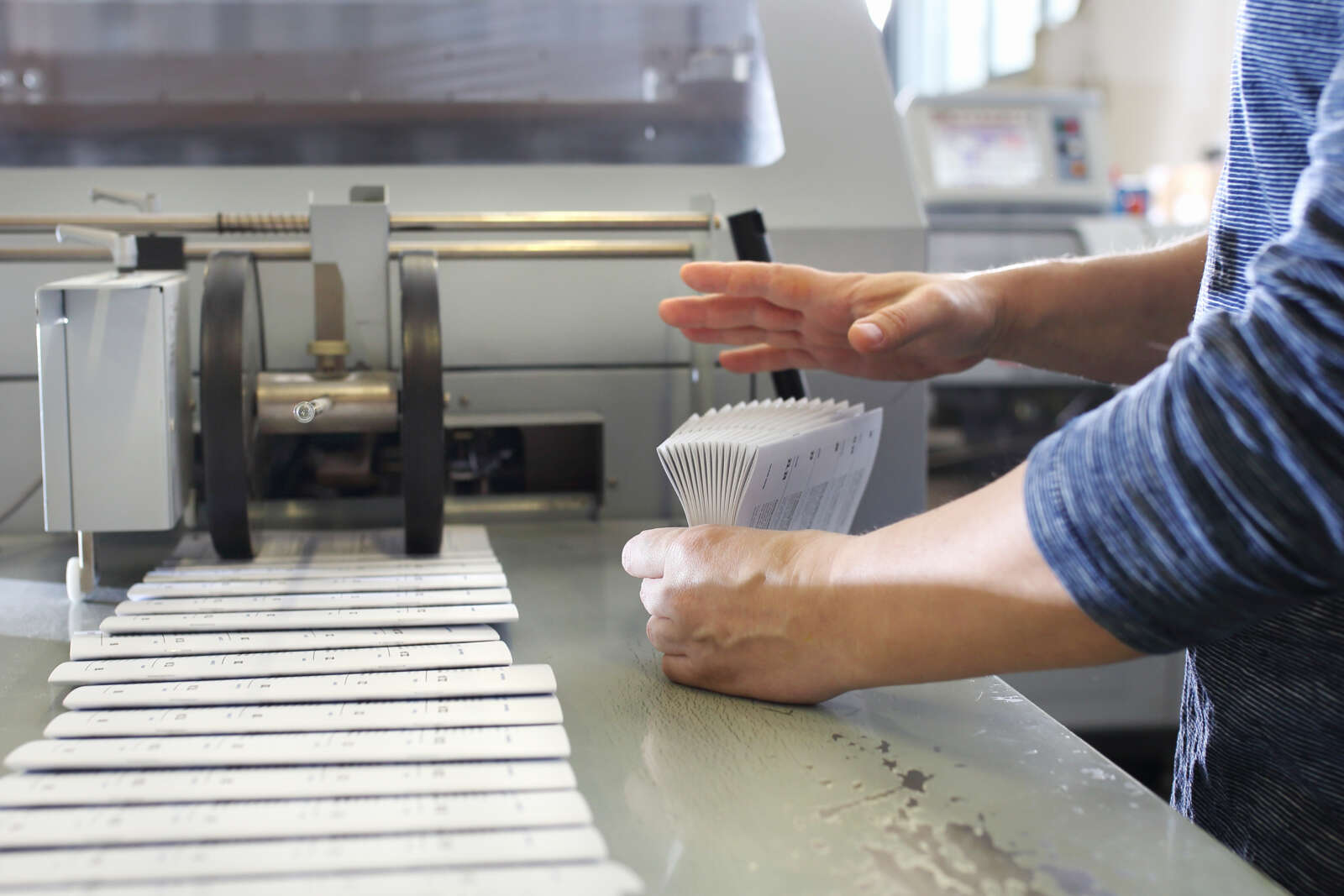
Hands holding folded paper.

Bleeds – What are they and how do I add them?

Bleeds

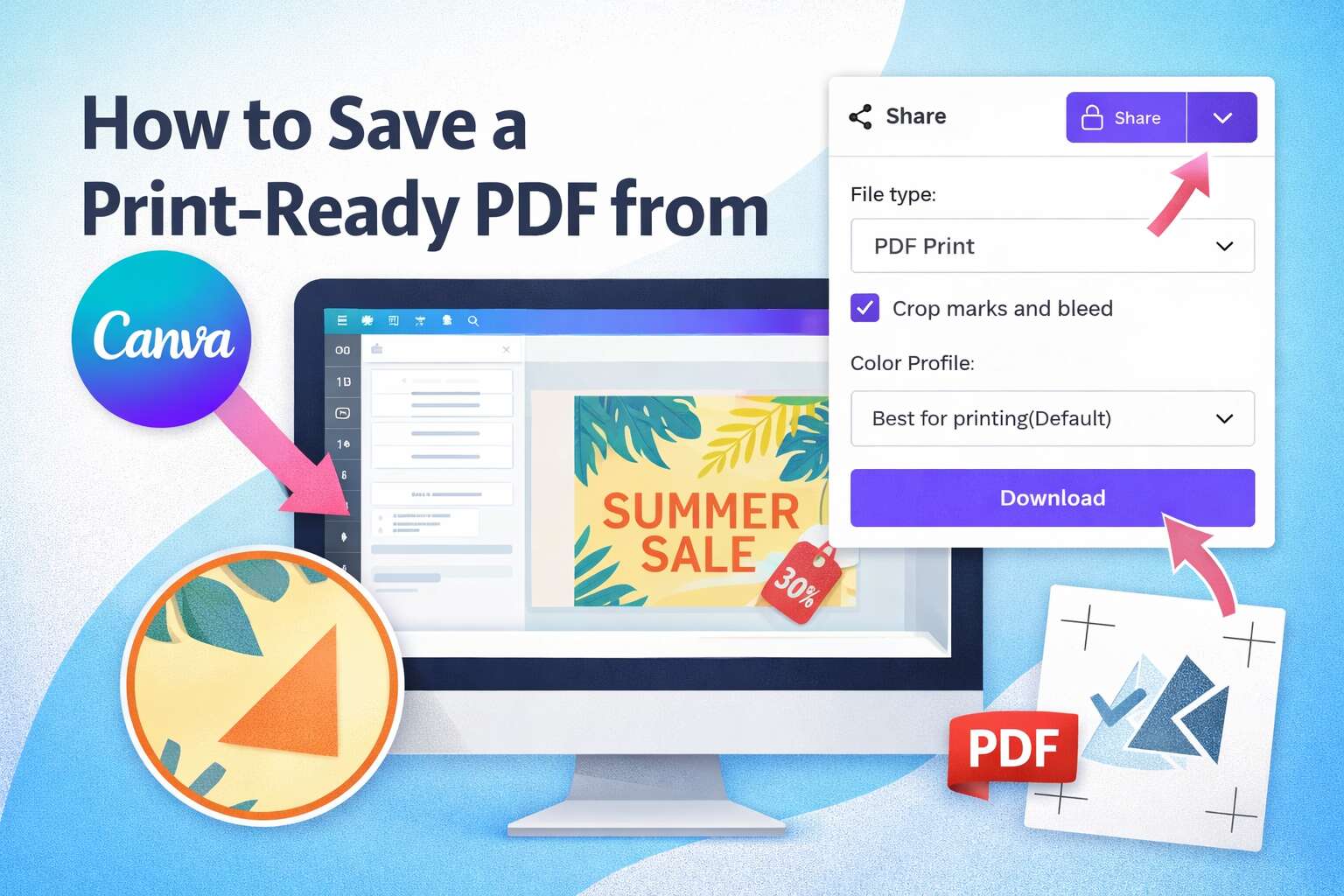
Canva – Saving as PDF

Shows a screeview of exporting a file from Canva

Special Swatches

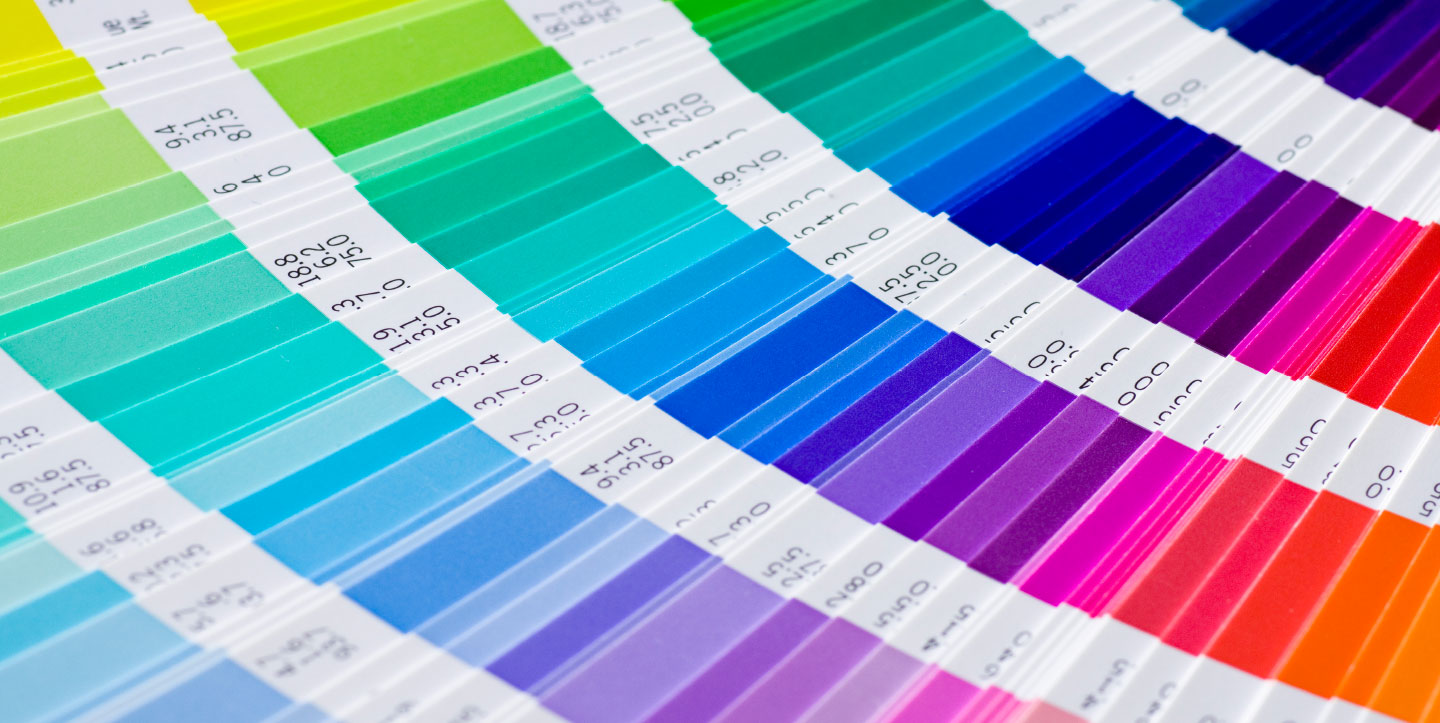
Morrell Printing Swatch Samples

Templates

Image of a trifold brochure with fold lines

Morrell Printing Tags

acrobat Bleed bleeds canva crop marks distiller gold jpg Live Image Area orange pdf png raster silver special swatches Trim Marks vector white
  • Services

    • Offset Printing
    • Digital Printing
    • Copy Services
    • Large Format Printing
    • Pre-press Design Services
    • Bindery Services
    • Cut Vinyl
    • Mailing Services
    • Fine Art Prints
    • Laser Engraving & Cutting
    • Flatbed UV Printing
    • Banners
    • Promotional Products
    • Lamination
  • Resources

    • About
    • Request Quote
    • Submit Order
    • Make a Payment
    • Credit Application
    • Technical Help

CONTACT

  • Reach Out
  • P: (303) 665-4210
  • F: (303) 665-4229
  • Email Us

  • Hours
  • Monday-Friday, 8am - 4pm

  • Address
  • 990 South Public Road
  • Unit C
  • Lafayette, CO 80026